Google’s Fitbit Air is super comfortable, but its AI coach is already hallucinating
May 14, 2026
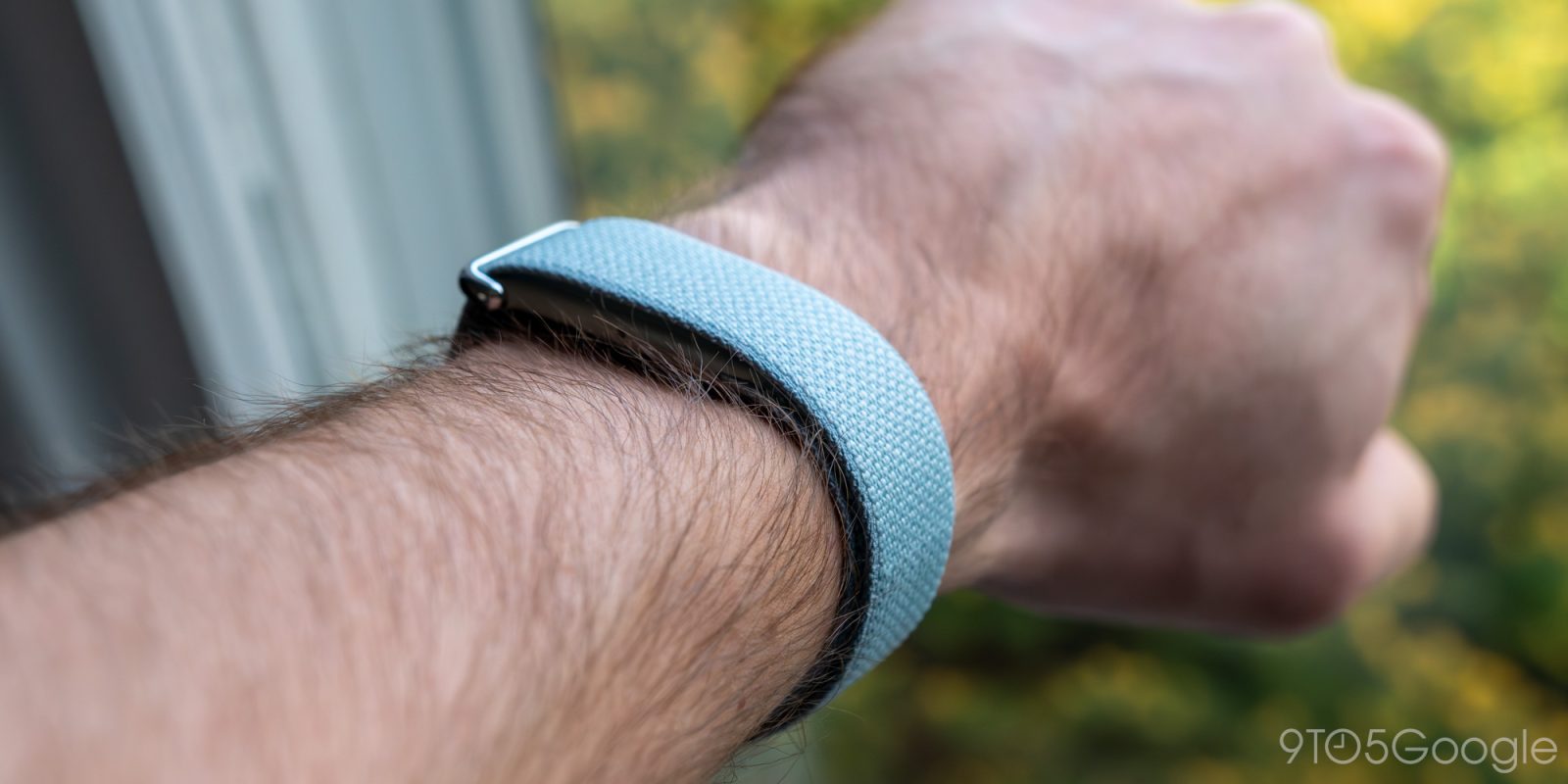
What should a modern fitness tracker be in 2026? With smartwatches readily available — and for not much more than your run-of-the-mill Fitbit — it’s a tricky proposition, especially for brands like Google that live in both spaces. The Fitbit Air feels like an admission from Google that Whoop, the obvious competitor for something like this, is on the right path, offering a minimalist band that exists to gather data, not to serve as a miniature wrist-based computer. So far, I’m liking what I’m seeing from my time with the device, but not without some unsurprising concerns surrounding its AI coach.
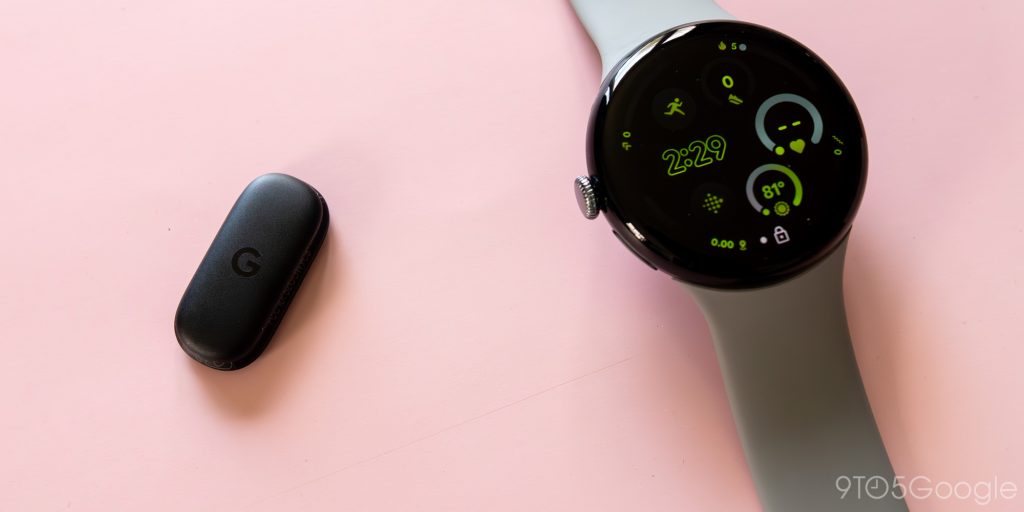
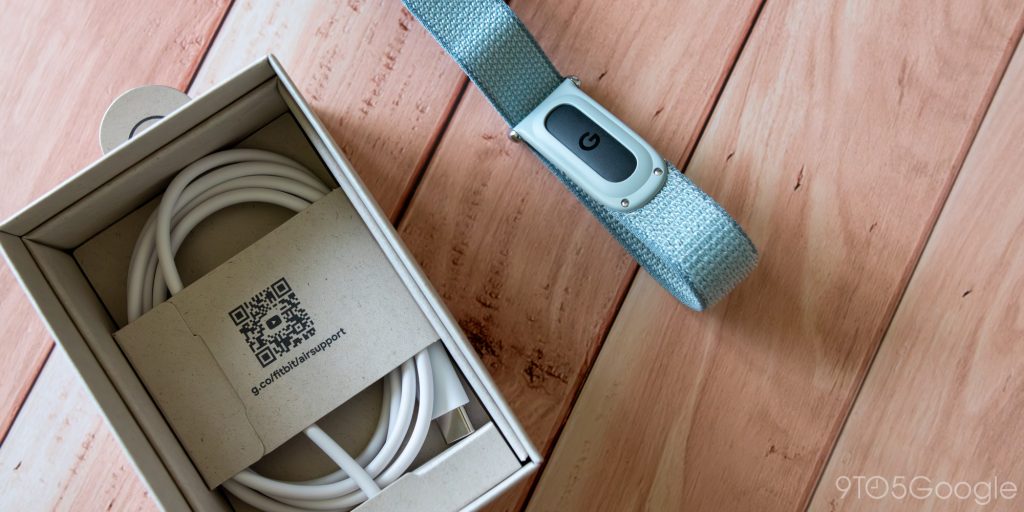
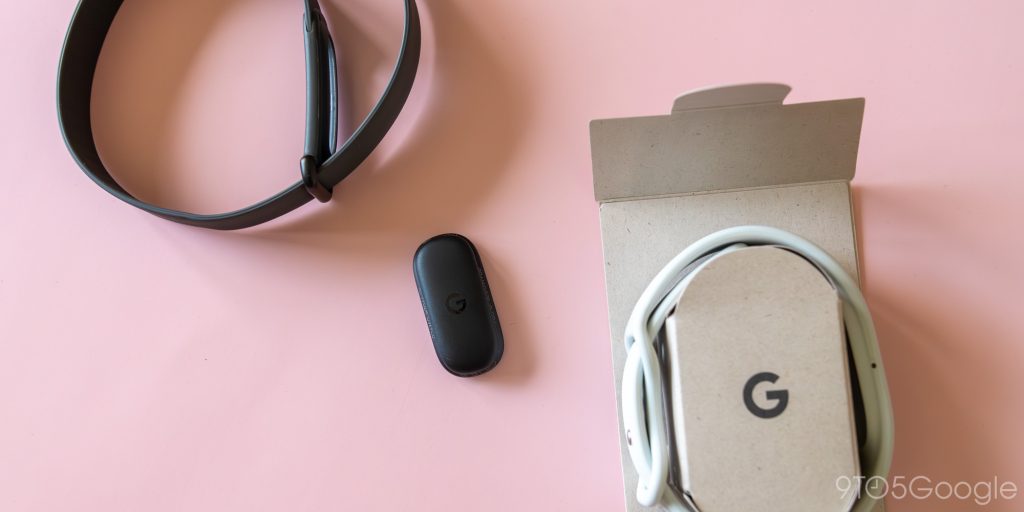
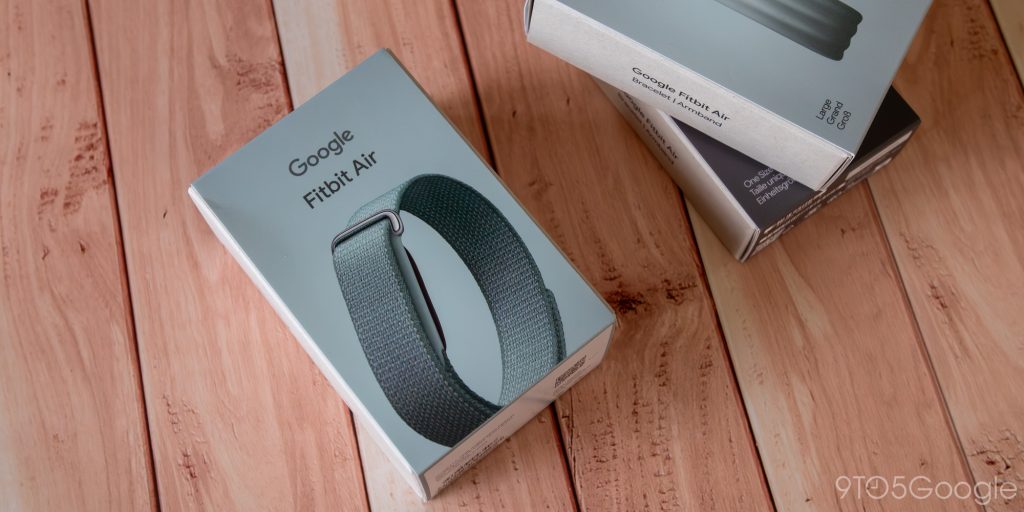
While it shouldn’t be much of a surprise that the Fitbit Air is designed to be, you know, small, I still found myself pretty taken aback upon unboxing just how lightweight this thing feels right out of the box. Just how miniature Google’s latest tracker is becomes even more obvious when you pop it out of the default band. This thing is a puck so tiny, it’s actually difficult to find something in my gadget collection that actually functions as an easy comparison. The average true wireless earbud — singular, not plural — probably weighs more.


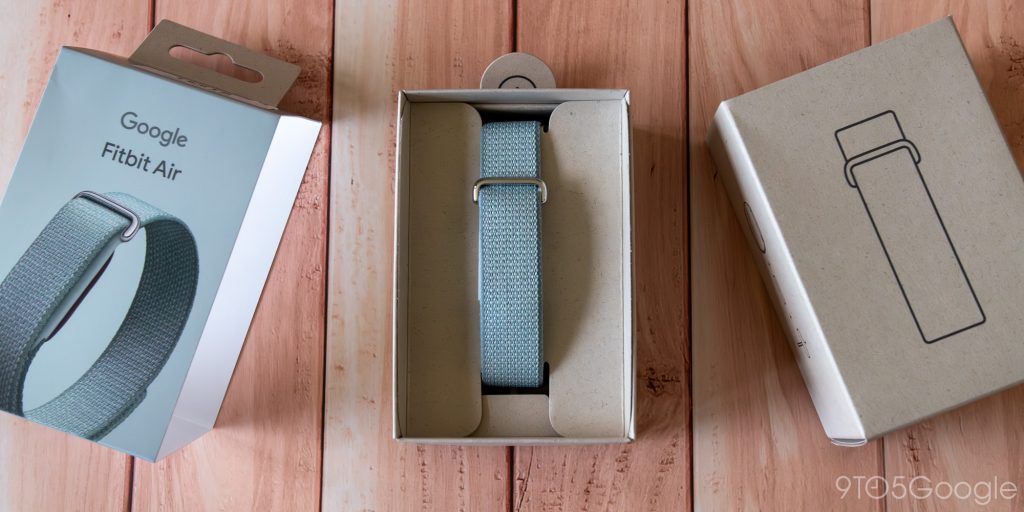
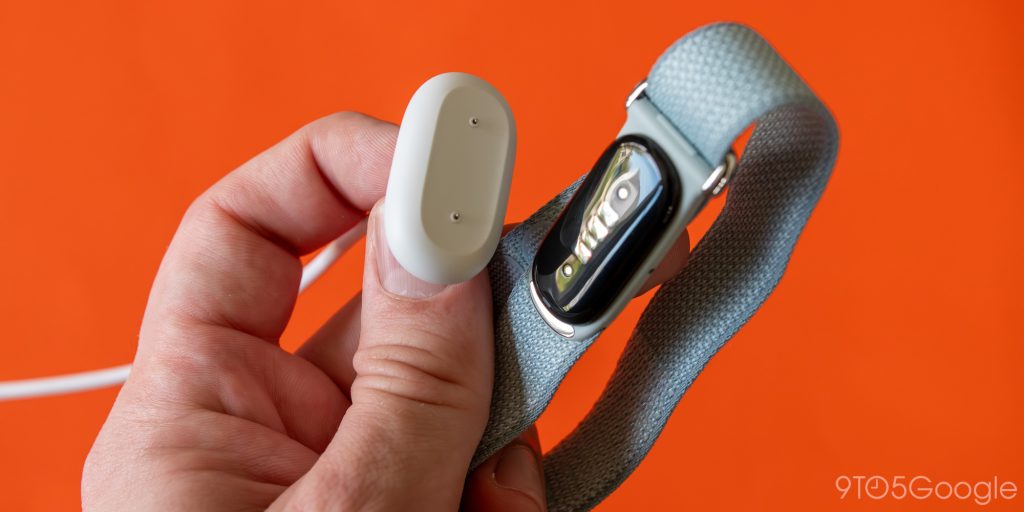
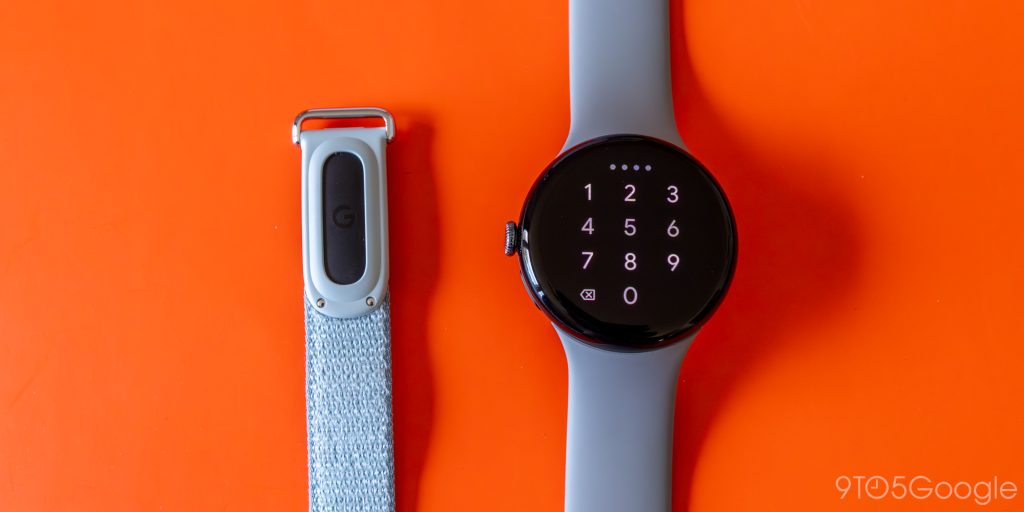
Swapping bands is super simple, and frankly, relies on a more fluid system than Whoop’s “Fast Link” slider system. Rather than relying on metal prongs to hold the tracker in place, the Fitbit Air drops out of your current band with a simple push. The default Performance Loop band and the “stylish” Elevated Loop” both show the uncovered band through a basic cutout, making removing the Air even easier. On the sporty Active Band, the tracker is completely covered, though it’s still easy to push through the silicon barrier.
Technically, you can force the Air into a band in either position, but there is a proper orientation, and you’ll feel it when you’re actually swapping bands. The correct setup feels right in a way its upside-down layout doesn’t, though thankfully, you don’t have to trust your gut on this. Google’s battery indicator light turns on with a double-tap of the tracker, shining through just one side of the band. If you don’t see that light, you probably have the Air turned around in your band — or, you know, the tracker’s just dead. Either way.
Advertisement – scroll for more content
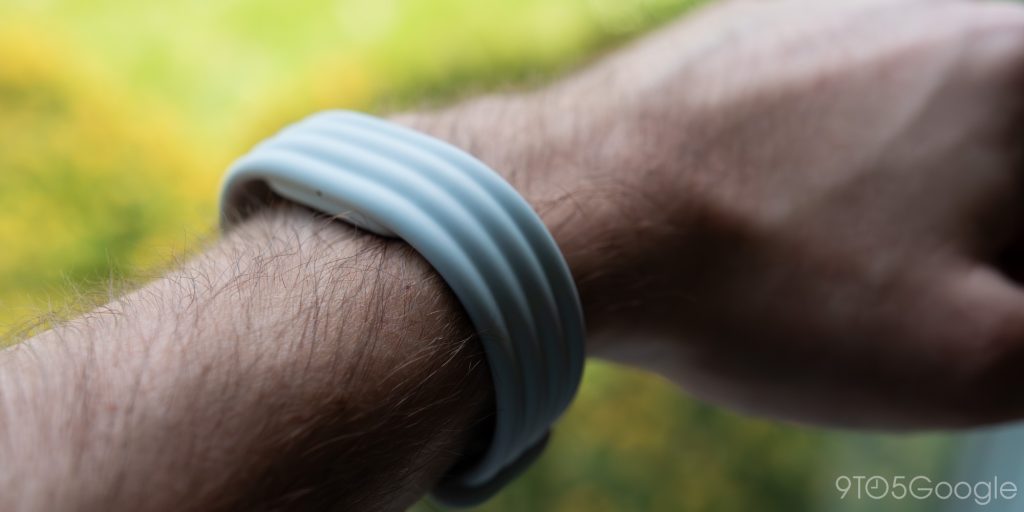
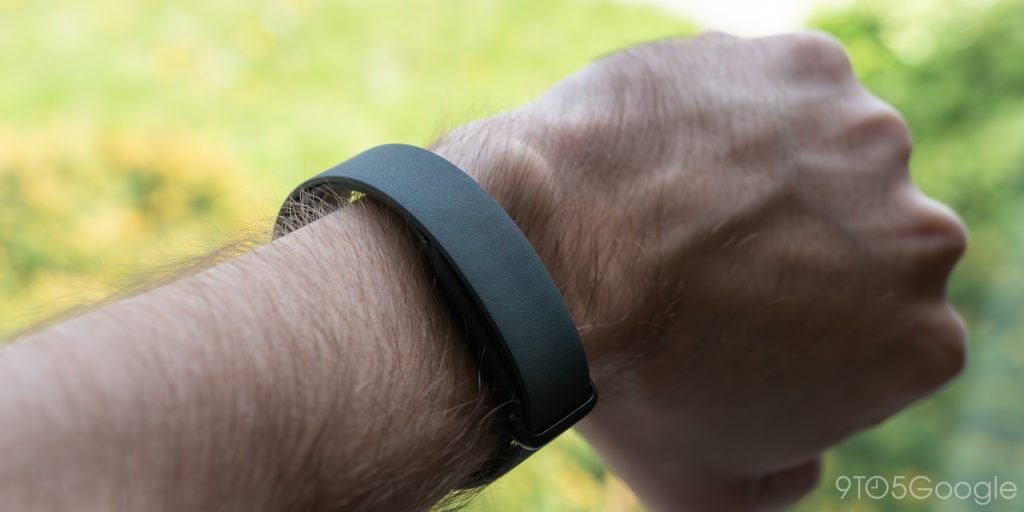
Once the tracker’s on your wrist, it’s surprisingly comfortable. I’ll need to use all three bands more to determine exactly which one is the best of the bunch — and if any of the three are decidedly worth not buying — but so far, the ultra-lightweight feel of this thing made for one of the most comfortable night’s sleep I’ve ever had wearing a tracker. I didn’t even immediately notice it on my wrist when I first woke up, though if you’re using the built-in ( and decently strong) vibration alarms, that obviously won’t apply to you.
Health Coach remains the Fitbit Air’s big question mark for me
If there’s one thing about the Fitbit Air that has me on edge, it’s Google’s Health Coach. Effectively a relaunch of Fitbit Premium, Health Coach feels like how Google wants most of its users to interact with its tracker within the app. There’s an always-available chatbot button floating within the app, prompting you to ask your virtual coach any questions you might have on your fitness journey.
Unfortunately, I’m already wary of trusting it. Generally speaking, I find AI fitness coaches pretty unreliable, either including mistakes in its general output or, even more frequently, delivering basic information in long text blocks to cover up that the analysis being offered is usually pretty shallow. This morning, Health Coach offered me both, suggesting I take it easy after a poor night’s sleep (true!), a brief weightlifting session the day before (also true!), and, of course, the 5.2-mile run that followed my weightlifting (didn’t happen!).
Put simply, Google’s paid replacement for Fitbit Premium immediately began hallucinating, even admitting to having made up the data before asking if, you know, maybe I’m the one who actually forgot to input a run. Remember, this is my very first report from this thing, making for an awful first impression. Even after this correction, the run data continues to exist within the AI-powered home screen layout, despite no record actually appearing within my account. It’s not exactly a great advertisement for a platform that costs $10 per month or $100 annually.
While I might not have high hopes for the AI elements built into this thing — and honestly, what else is new? — the rest of the package here seems solid so far. I’ll have plenty to say in a final review coming soon, but for now, it seems like Google nailed the basics in its ultra-minimal Whoop competitor. It’s comfortable, there’s several band options to pick from, and it even serves as a simple Pixel Watch substitute in times where the full smartwatch experience isn’t necessary. But I wouldn’t recommend shelling out for Health Coach beyond Google’s trial period until we have a better idea on just how frequently it’s going to hallucinate.


FTC: We use income earning auto affiliate links. More.
Search
RECENT PRESS RELEASES
Related Post