HomeKit Weekly: Flic brings physical button control to your Matter environment
January 9, 2026
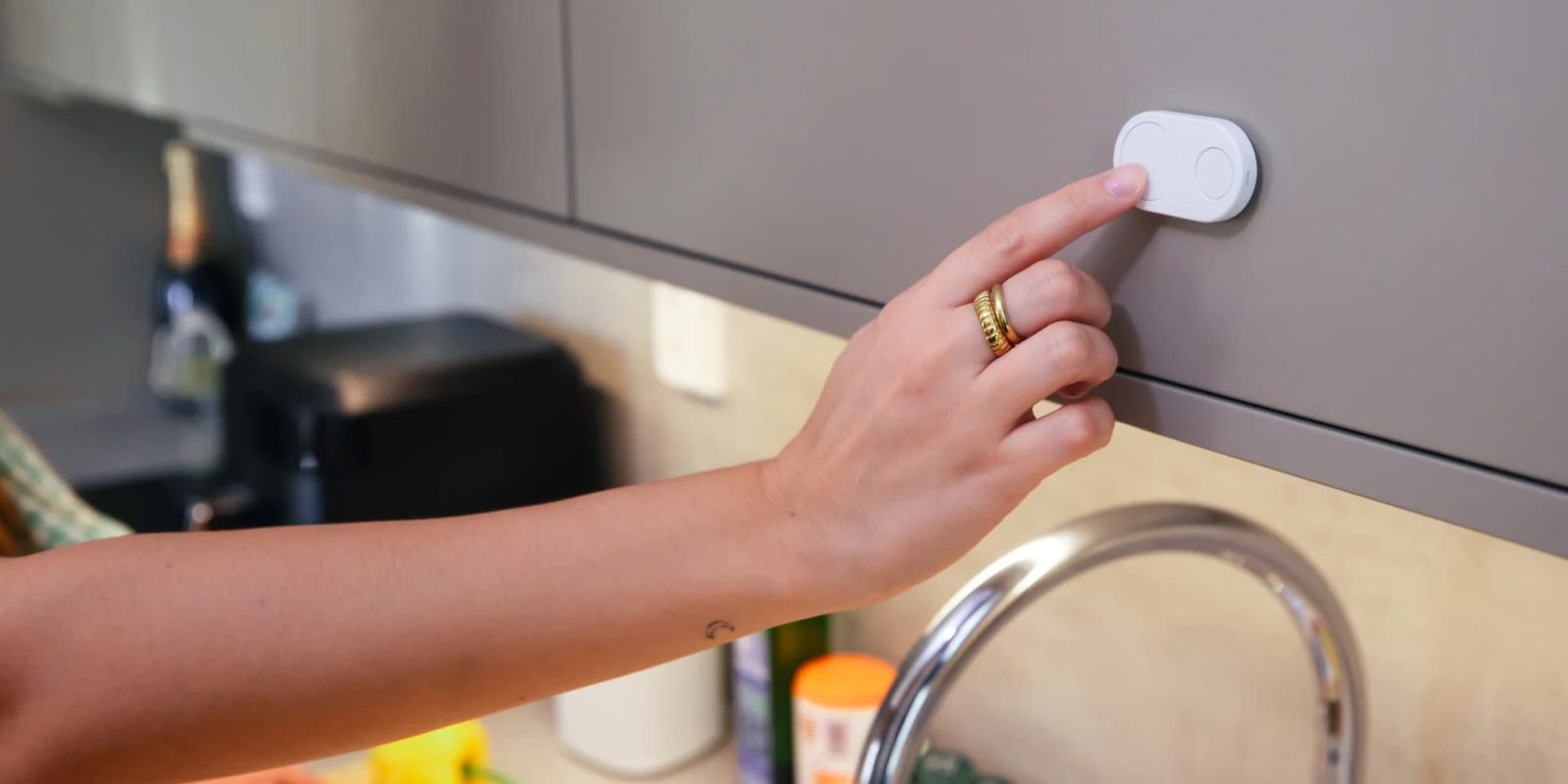
I love the idea of a fully automated smart home setup where my lights turn on exactly when I need them, and the thermostat adjusts itself without me even thinking about it. In practice, however, there are times when you simply want to push a button for things to happen. For guests, babysitters, or when I don’t want to use my iPhone, physical controls remain the gold standard for interaction.
This week, let’s take a look at the Flic Hub LR and the new Flic Duo as a nice way to control your Apple Home scenes and devices.
HomeKit Weekly is a series focused on smart home accessories, automation tips and tricks, and everything to do with Apple’s smart home framework.
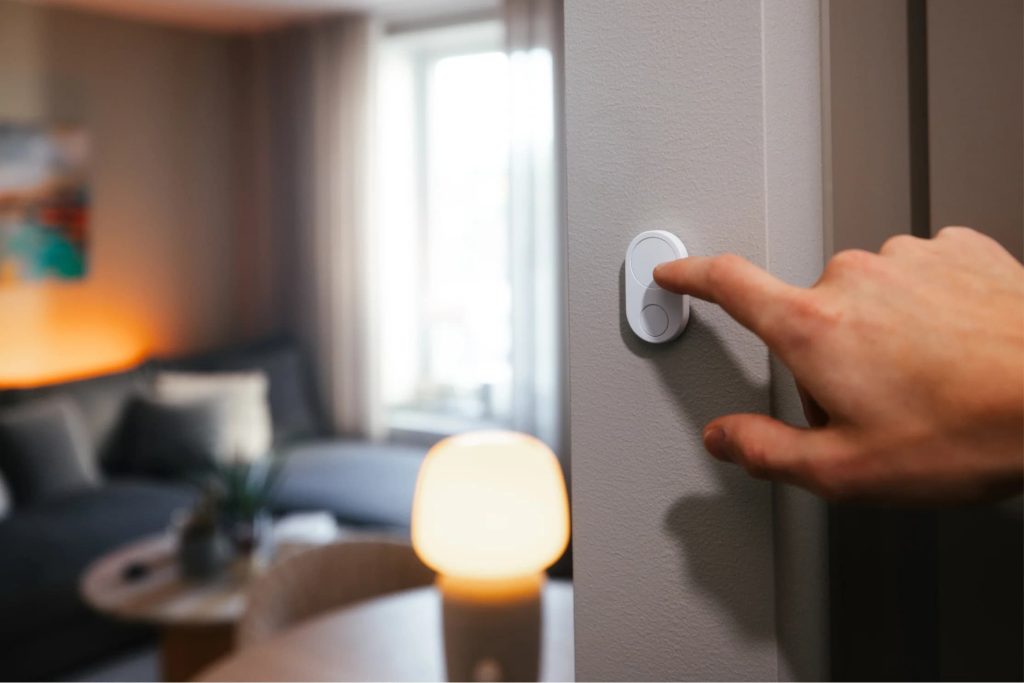
Voice control has its place, but it is not a solution for every problem. If I am walking out the door, I do not want to stop and have a conversation with Siri through a HomePod mini. I want to hit a button and know that my “Goodbye” scene has triggered, the door is locked, and the lights are off. It’s similar to how I always use the keypad on my abobe alarm system when I am leaving, rather than using the keypad.
Guests are another major factor to consider when it comes to your smart home. I really don’t want to explain to a babysitter or family member from out of town how to deal with joining our home temporarily, etc. A button is a universal language here. Instead of “download this app”, I want to say: here use this button to turn the lights off and on.
Finally, it comes down to speed and convenience for me. Pulling out your iPhone, navigating to Control Center, and locating the correct tile requires time and attention that is nice sometimes, but other times, I want a button. A button sitting on your coffee table or beside your bed is always there, ready to turn off your lights when you’re ready for bed or to start your morning routine instantly. It removes the annoyance from the smart home experience.
The Flic buttons communicate via Bluetooth, so to connect them to your Wi-Fi network and integrate them into HomeKit, you need a bridge. While Flic sells a new “Mini” hub, if you are reading this article and use HomeKit, you want the Flic Hub LR. It is the only model that officially supports Apple Home/HomeKit, so it is the one you want to buy.
The “LR” stands for Long Range, and it utilizes Bluetooth 5.1 LE to penetrate walls more effectively and cover a larger area. Shockingly, for a smart home hub, it supports 2.4 GHz and 5 GHz. A single hub can manage up to 63 buttons, which is likely more than you will ever need in a single home. As a nice bonus, it features a 3.5mm port for an optional IR blaster, allowing you to control legacy devices such as a ceiling fan.
The Flic Duo is the newest addition to the lineup, and it is arguably their most ambitious hardware revision yet. It combines the simplicity of the original button with some of the rotary concepts they explored with the Twist, but it packages everything into a new dual-button remote.
The big selling point here is the “modal” behavior. The device knows where it is. When it is mounted on the wall, it functions as a standard, intuitive smart switch. This is perfect for the rest of the family or guests who just want to turn the lights on. When you take it off the wall and hold it in your hand, it unlocks a new layer of gesture controls. You can swipe, tilt, or twist to adjust volume or skip tracks.
However, if you are buying this strictly for HomeKit, you need to keep your expectations in check. Apple’s Home framework is notoriously rigid. It does not currently support complex “swipe” or “tilt” triggers for button accessories. While the Flic app can use these gestures to control other platforms or specific Matter devices, your experience in the Home app will likely be limited to the standard actions: Single Press, Double Press, and Long Press.
One feature I absolutely love is the built-in speaker. If you have ever lost a small remote in the couch cushions, you know the pain. You can ping the Flic Duo from the app, and it will buzz so you can find it.
The Flic Duo is a really cool device, and I wish it could use some of the swipe features within HomeKit. If all you are buying this setup for is HomeKit, you might find that the Smart Button from Flic is a nice option as well. Overall, this is a good pickup if you want to have some physical access controls over some of your HomeKit/Apple Home environment. It’s particularly useful for triggering scenes for lights and other scenes.
- You can buy the Flic Hub LR from Amazon
- You can buy the Flic Duo from Flic.
- You can buy the Smart Button in a 3-pack from Amazon.


FTC: We use income earning auto affiliate links. More.

You’re reading 9to5Mac — experts who break news about Apple and its surrounding ecosystem, day after day. Be sure to check out our homepage for all the latest news, and follow 9to5Mac on Twitter, Facebook, and LinkedIn to stay in the loop. Don’t know where to start? Check out our exclusive stories, reviews, how-tos, and subscribe to our YouTube channel
Search
RECENT PRESS RELEASES
Related Post
![MCA To Release ‘The Gray House [Original Soundtrack From The Amazon Series]’](https://stockwatchindex.com/wp-content/uploads/2026/01/Untitled-5-7-1030x579-7hafYl-500x383.png)